
Contact
Get in touch
Tell us what's going on and a person will reply by email, usually within two working days.
Quick answers
You might find it here first
Getting started
- Add Eplie to Chrome from the Chrome Web Store.
- Click the puzzle piece in Chrome's toolbar and pin Eplie, so it's one click away.
- Click the Eplie icon and sign in with LinkedIn.
- Open LinkedIn. The Eplie button appears under posts and in comment boxes.
Eplie works in Chrome on a computer. It doesn't work in the LinkedIn mobile app.
Signing in
Eplie uses LinkedIn's official sign-in. We never see your LinkedIn password.
The sign-in window closes or shows an error
Make sure you're signed in to LinkedIn in the same Chrome profile, then try again from the Eplie icon. If it keeps failing, email us a screenshot of the message.
Writing comments
Click the Eplie button on a post or in a comment box. Eplie reads only that post (or that thread, for replies) and writes a draft in your voice. The draft goes into the comment box for you to read and edit.
Refine
Refine changes a draft you already have: polish it, make it shorter or clearer, change the tone, fix grammar and more. The edit happens right in the comment box. Undo and Redo step back and forth between versions.
Smart Suggestions
While you type your own comment, Eplie may suggest the next few words in grey. Press Tab to accept them, or keep typing to ignore them. Suggestions start after a few words and a short pause. Turn them on or off in the Eplie popup.
Troubleshooting
The Eplie button doesn't appear on LinkedIn
Refresh the LinkedIn tab. You need to after installing or updating Eplie. Also check that the LinkedIn button is switched on in the Eplie popup.
“Can't reach Eplie”
Check your internet connection and try again in a moment. If it keeps happening, email us and say roughly when it happened.
“Extension context invalidated”, or nothing happens when I click
Eplie was updated while LinkedIn was open. Refresh the LinkedIn tab.
I paid but I'm still on Free
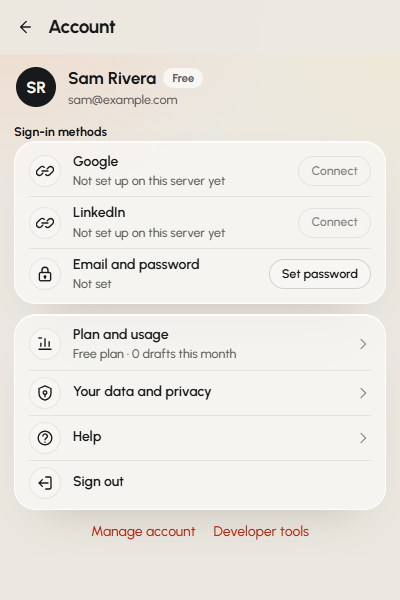
Click the Eplie icon, then Account, to refresh your plan. If Pro still doesn't show after a few minutes, email us with the address you used at checkout.
Plans and billing
Payments are handled by Paddle. To change your card, cancel or download invoices, go to Settings, Plan & Billing, then Manage billing. Full details are on the Billing page.
You can get a full refund within 14 days of your first payment, no reason needed. See the Refund Policy.
Privacy and your data
Eplie reads only the post or thread you click on, never your feed or activity. You can download or delete your data in the extension: see how to delete your data, or read the full Privacy Policy.