How it works
From post to comment in three steps
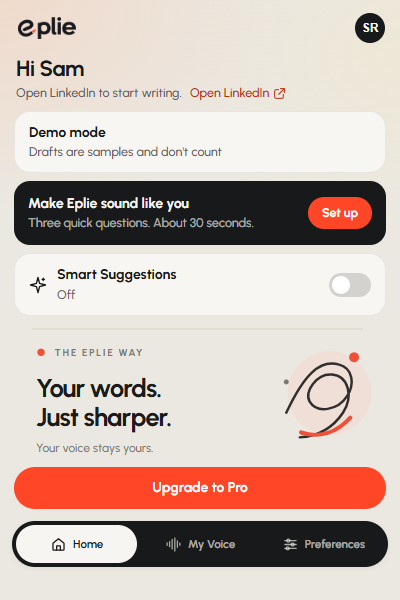
No new app to learn. Install the extension, sign in, and keep scrolling your feed. Click the Eplie mark under a post, read the draft, and press Comment yourself.

Emily Carter · 2nd
Marketing Director at Brightpath
5h ·
Our best campaign this year had the smallest budget. One 12-minute customer interview, cut into five clips.
 Repost Send
The Eplie mark sits next to Comment and Repost.
Get started
Ready in about two minutes
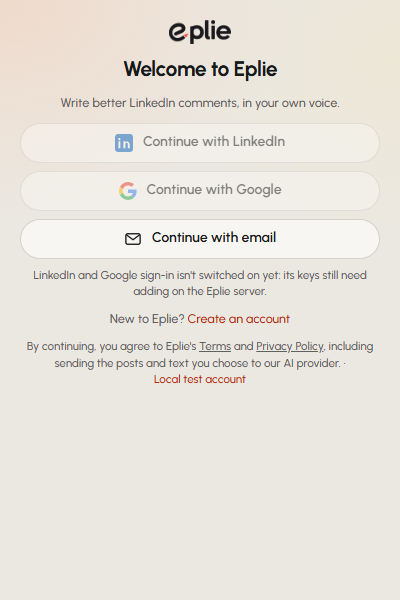
Install it, sign in, tell Eplie how you write. Then open LinkedIn and click the Eplie mark under any post.
Add Eplie to Chrome
Install it from the Chrome Web Store, then pin it so the icon is always one click away.
Sign in
Use LinkedIn's official sign-in, Google or email. Eplie never sees your LinkedIn password.
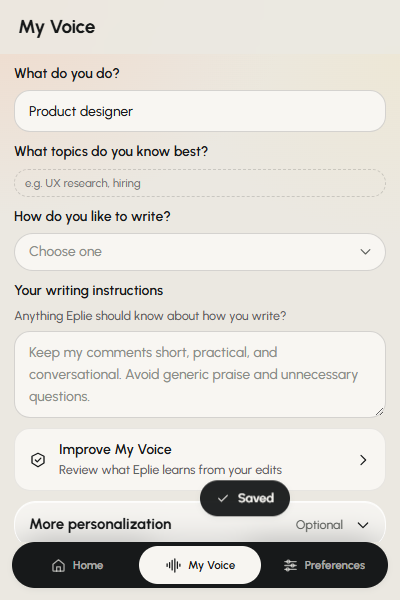
Tell Eplie how you write
Three questions in My Voice. Skip them if you like and add them later.
You're in control
Your name is on every comment. So you decide.
LinkedIn doesn't allow tools that post or engage for you, and accounts that use them can be restricted. Eplie is a writing tool, not a bot.
Why Eplie never posts for youYou publish every comment
Eplie never posts, likes or comments on its own. A draft waits in the box until you press Comment.
It reads only what you click
The post or thread you pick is sent to write that one draft. Not your feed, not your messages, not other people's profiles.
Optional help stays optional
Smart Suggestions are off until you turn them on. The LinkedIn button has its own switch in the popup.
Delete it whenever you like
Download your data or delete your account from the extension. No email needed.
Your next comment could start a real conversation
Free to start. Works in Chrome on your computer, right inside LinkedIn.