

1. Answer one point, not the whole post
Pick the sentence that made you stop scrolling and respond to that. A comment about one idea shows you read the post. A summary of the whole post tells the author something they already know.
2. Add something the post didn't say
Good comments bring something new: a short example from your own work, a related lesson, a fair counterpoint, or a question the author didn't cover.
A useful test: if your comment disappeared, would anyone miss it? If all it does is agree, probably not.
3. Be specific
“This is so true” fits under any post. “We saw the same thing when we moved support calls to the morning” fits only this one. Details make a comment believable, and they give the author something to reply to.
4. Keep it short
Two to four sentences is usually enough. LinkedIn folds longer comments behind “…more”, so your first line has to carry the point. Say the one thing, then stop.
5. Ask a real question, or none
“What do you think?” is easy to ignore. “Did that work with a team of five, or only once you had a support person?” is easy to answer, and it shows you care how things turned out.
If you don't actually want to know, leave the question out. A comment can end on a statement.
One post, two comments
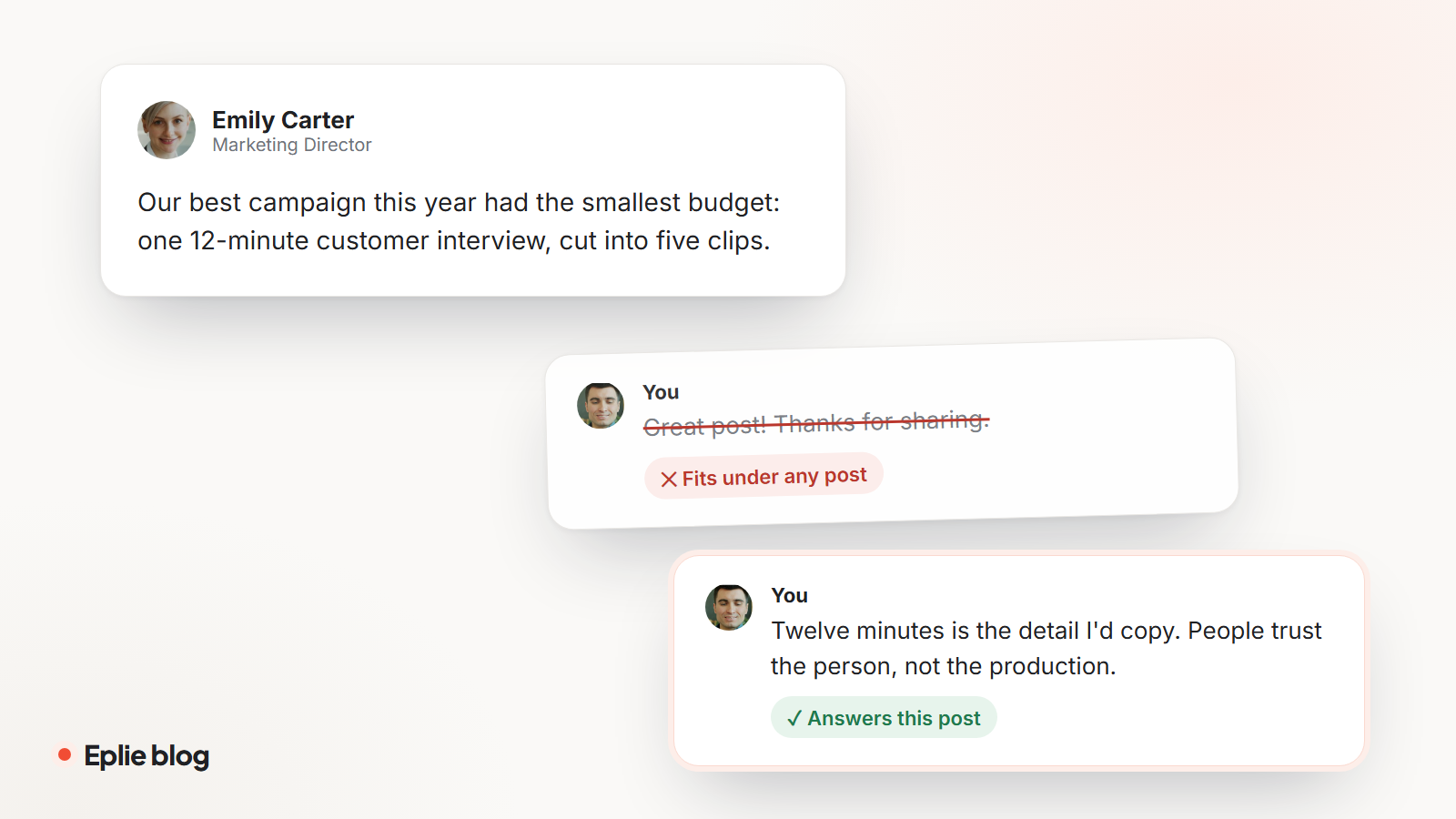
Here's the difference in practice. The people and the post are made up for this example.

Our best campaign this year had the smallest budget: one 12-minute customer interview, cut into five short clips.
Twelve minutes is the detail I'd copy. People trust a customer talking more than a polished ad. Did the clips do better as video, or as text quotes?
A quick check before you post
- Does it mention something specific from this post?
- Would it make sense under a different post? If so, rewrite it.
- Is everything in it true for you?
- Can you cut a sentence without losing the point?
- Would you be happy to see it next to your name a year from now?
Where Eplie fits
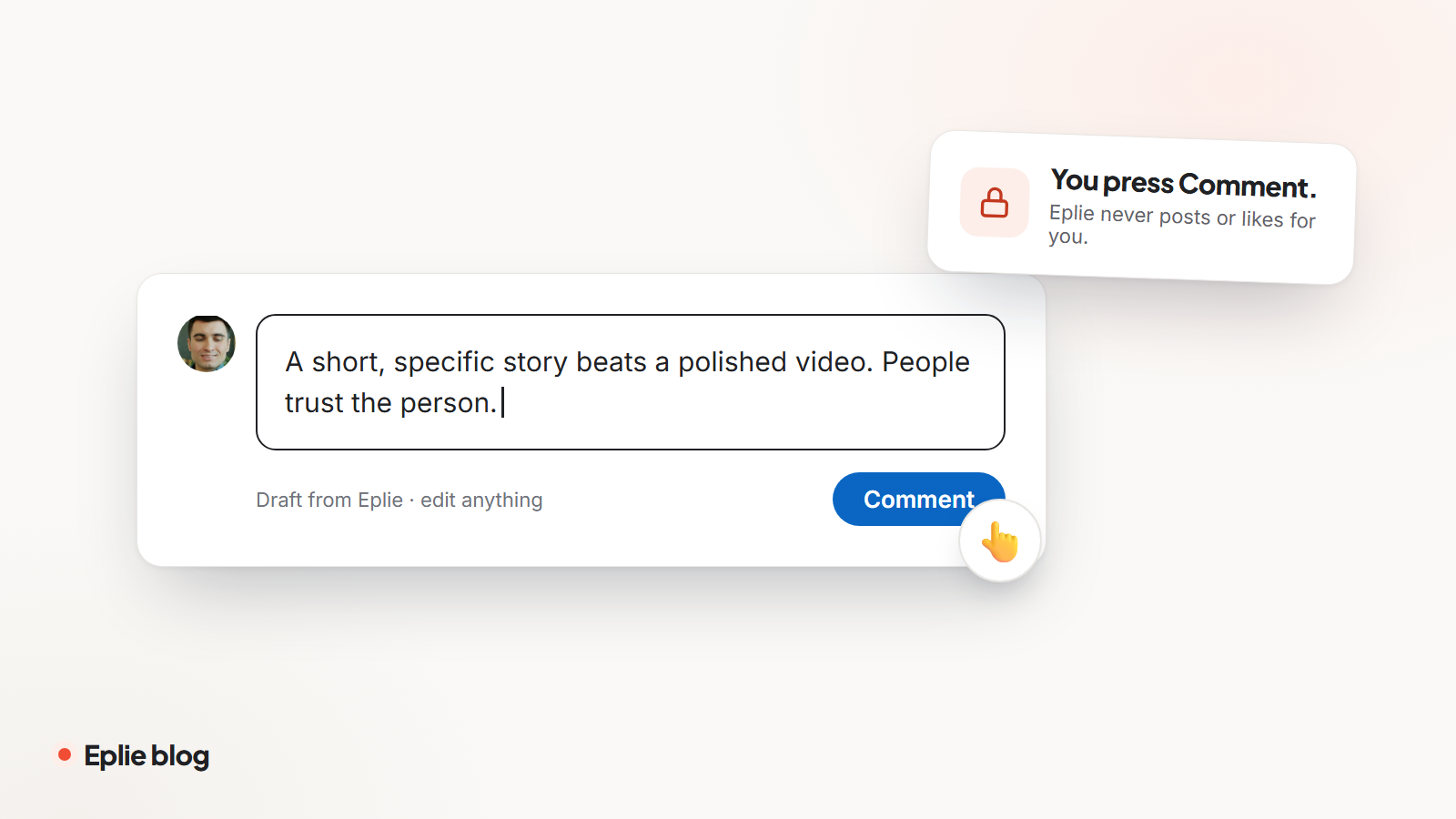
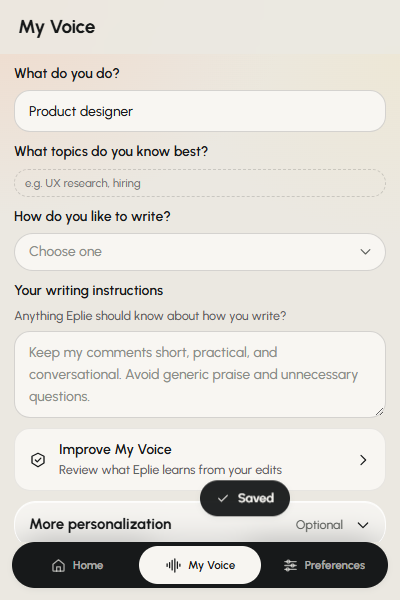
Eplie is built around these habits. When you click the Eplie button under a post, it reads that post, picks the point worth answering and drafts a short comment in the style you set in My Voice. The draft goes into the comment box. You change what you like, add your own example, and press Comment yourself.
Already wrote something? Refine polishes, shortens or clarifies it without changing what you meant.
Written by the Eplie team. Spotted a mistake, or have a question? Tell us.
Great post! Thanks for sharing.