Your name is on every comment
A LinkedIn comment appears next to your name and photo, and people read it as you talking. If a tool posts something you never read, it's still you saying it. That decision should always be yours.
What Eplie does, and what it never does
Eplie does
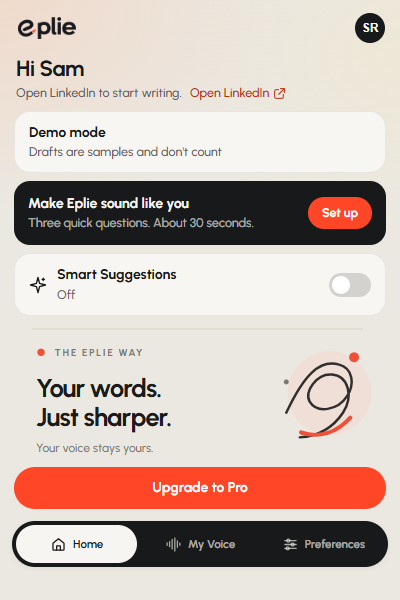
- Draft a comment or reply when you click the Eplie button.
- Polish, shorten or clarify your own text when you click Refine. You see it first, and you can undo it.
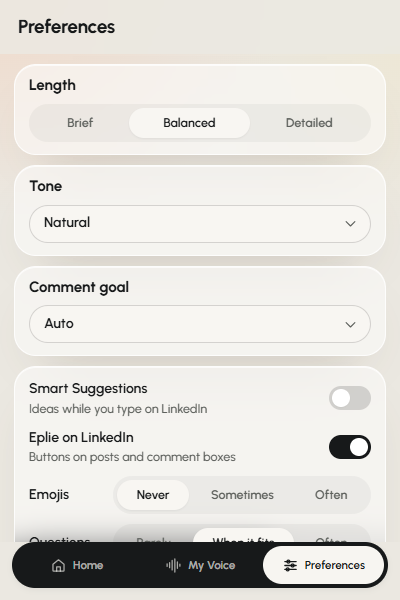
- Suggest the next few words in grey as you type, if you turn Smart Suggestions on. Nothing is added unless you press Tab.
Eplie never
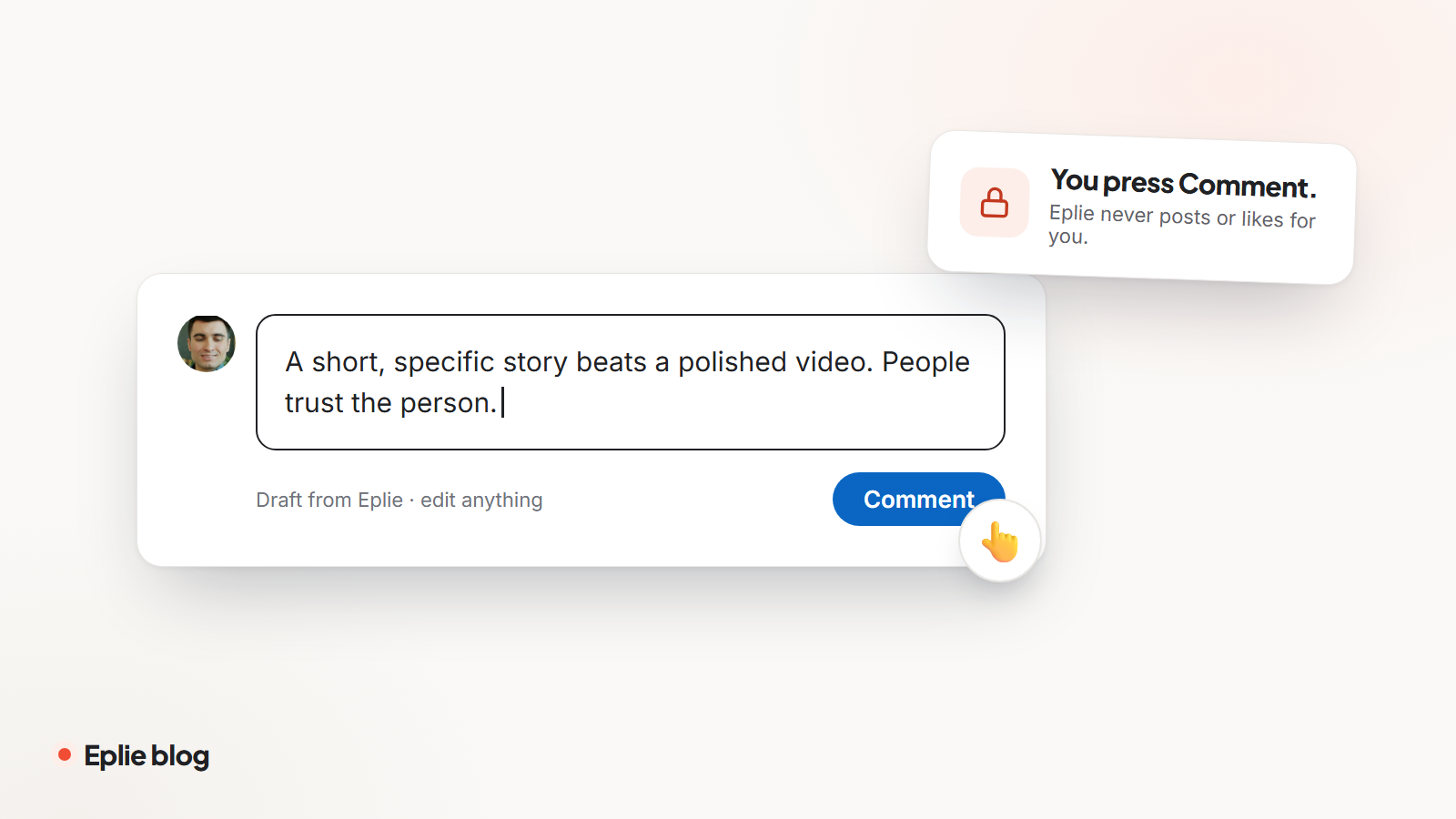
- Clicks Post, Like, Repost or Send.
- Comments, replies or messages anyone without you.
- Works through your feed in the background.
Every draft waits in the comment box. You read it, change what you like, and press Comment yourself.
It reads only what it needs
To write a useful draft, Eplie has to see what you're responding to. It reads:
- the post you click on, or the thread when you're replying to a comment;
- the text in your comment box, when you use Refine or Smart Suggestions;
- your own LinkedIn profile, if you set up My Voice, so drafts match your role and topics.
It doesn't read your feed, your messages, your connections or other people's profiles. The post text is used to write that one draft and isn't kept afterwards, apart from short-term technical logs that are deleted within 30 days. The Privacy Policy has the details.
It keeps you within LinkedIn's rules
LinkedIn's User Agreement doesn't allow bots or other automated ways to comment on, like or share posts, and LinkedIn can restrict accounts that use them. Because you write and post every comment yourself, Eplie is a writing tool, not a bot.
If you sign in with LinkedIn, you do it on LinkedIn's own sign-in page, so we never see your LinkedIn password.
Fewer, better comments
Ten thoughtful comments do more for you than a hundred forgettable ones. Eplie helps you write the thoughtful kind faster: a draft that answers a specific point in the post, in your voice, ready for you to make your own.
For the writing side, read how to write a LinkedIn comment worth reading.
Written by the Eplie team. Spotted a mistake, or have a question? Tell us.